Word to PDF Converter – Convert DOCX to PDF Instantly
Click to upload or drag & drop your Word file
Supports .doc and .docx (Max 20MB)
What is a Word to PDF Converter?
A Word to PDF Converter is an online tool that transforms Microsoft Word documents (.doc or .docx) into PDF (Portable Document Format) files. PDF is universally accepted, preserves formatting across all devices, and cannot be easily edited — making it ideal for sharing professional documents, resumes, reports, contracts, and more.
Why Convert Word to PDF?
Universal Compatibility
PDF files open correctly on every device and operating system — Windows, Mac, Android, iOS — without needing Microsoft Word installed.
Preserves Formatting
Fonts, images, tables, margins, and page layouts in your Word document are preserved exactly as designed when converted to PDF.
Professional Sharing
PDFs are the standard format for professional document sharing — resumes, invoices, contracts, reports, and certificates are always shared as PDFs.
Prevents Editing
Unlike Word files, PDFs cannot be accidentally modified by the recipient — your document stays exactly as you intended.
Smaller File Size
PDFs are often smaller than their Word counterparts, making them easier to email, upload, and share.
How to Convert Word to PDF on Calcon
- Click the upload area or drag and drop your .doc or .docx file
- Wait for the file to load — a preview will appear
- Click the "Convert to PDF" button
- Your PDF will be generated and returned to you instantly
- Click "Download PDF" to save it to your device
Word to PDF vs Other Conversion Methods
- Microsoft Word (Save As PDF): Requires Word installed, not always available on phones
- Google Docs: Requires uploading to Google servers, privacy concerns
- Adobe Acrobat Online: Free tier has usage limits, requires account
- Calcon Word to PDF: Free, no signup, secure server-side conversion, no file storage, works on all devices
Frequently Asked Questions
How do I convert Word to PDF for free?
Is my document safe when converting?
What file formats does this converter support?
Is there a file size limit for conversion?
Will my formatting be preserved in the PDF?
Can I convert Word to PDF on my phone?
How long does the conversion take?
Can I convert multiple Word files at once?
Does this work without internet after loading?
What is the difference between .doc and .docx?
Related Blog Posts
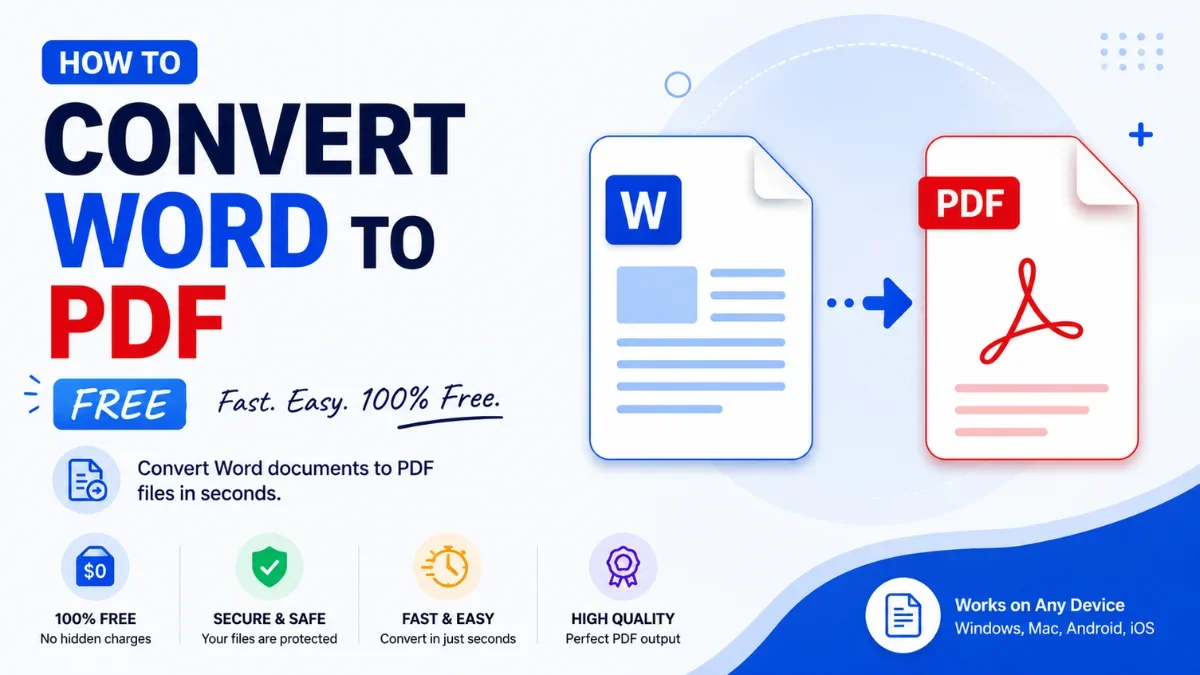
How to Convert Word to PDF Free (Keep Formatting Intact)
You finished a resume, a report, or an application - and now it needs to be a PDF. Maybe a job portal demands it, maybe you want it to look identical on every d…
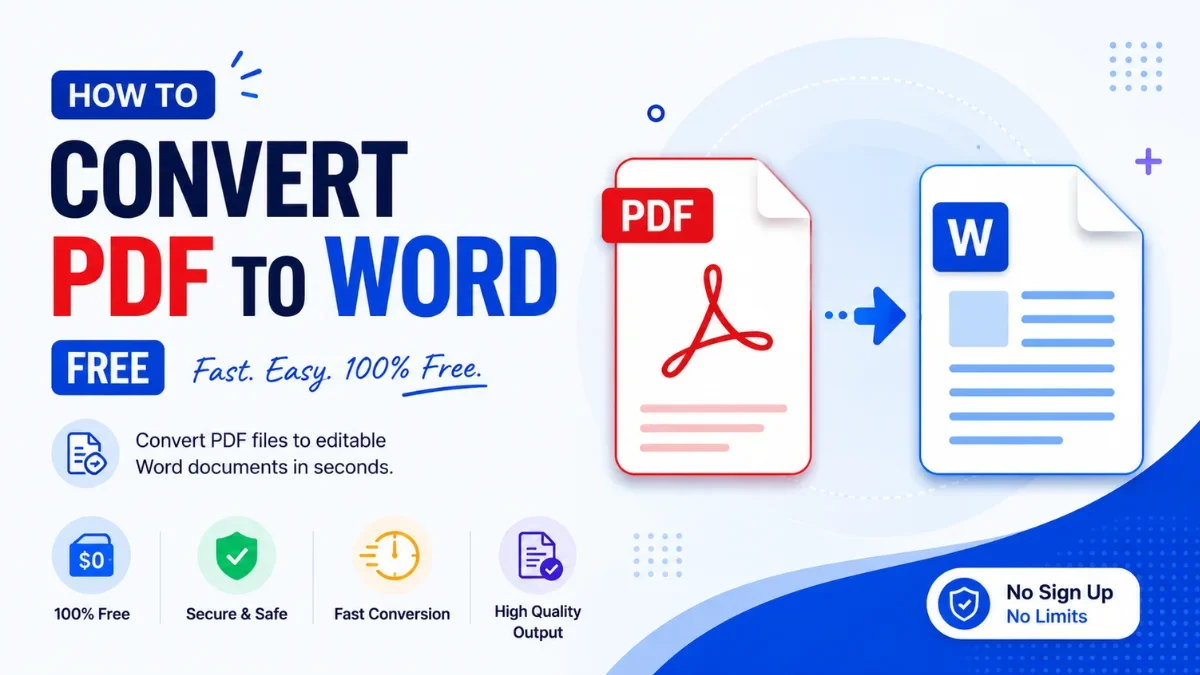
How to Convert PDF to Word Free (Without Losing Formatting)
You have a PDF you need to edit — a resume, a contract, a report someone sent — but a PDF won't let you change a word. The fix is to convert it to an editable W…
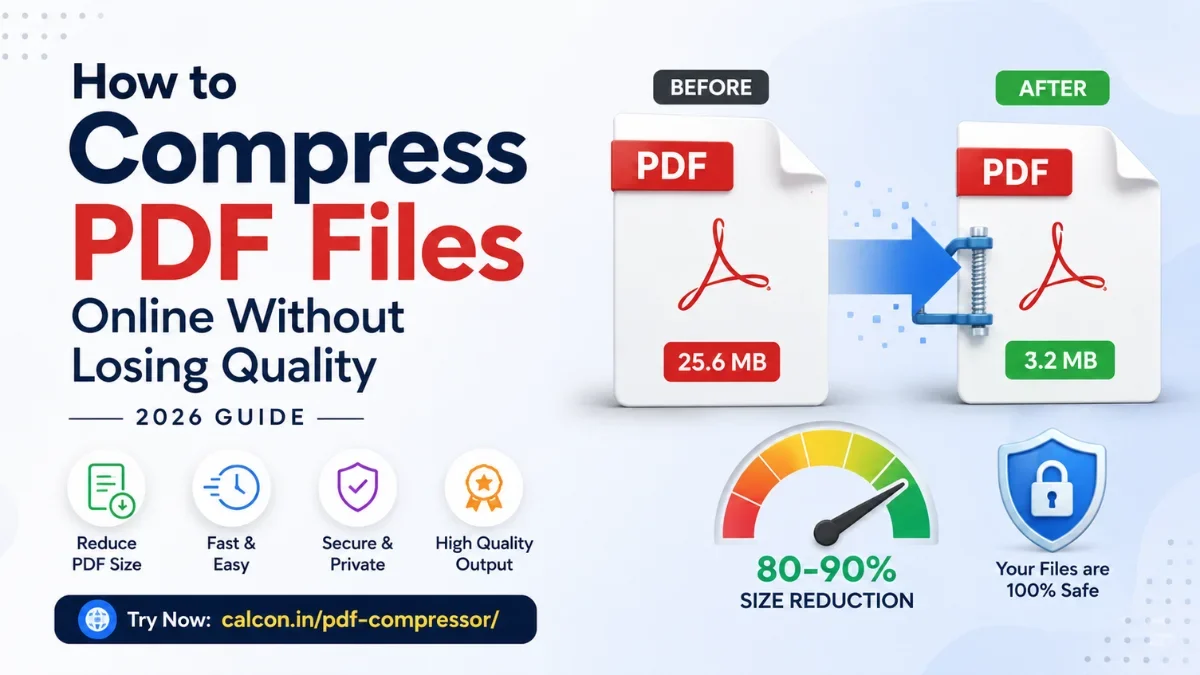
How to Compress PDF Files Online Without Losing Quality (2026 Guide)
A large PDF is a small problem with a big footprint. It bounces back from email, gets rejected by a job portal, or stalls on a slow connection right when you ne…
Related PDF Tools
Edit PDF Online
Fill forms, add text, whiteout and signatures to any PDF.
Excel Password Remover
Unlock password-protected .xlsx Excel files instantly.
Excel to PDF Converter
Convert XLSX to PDF instantly — fast and secure.
JPG to PDF Converter
Convert images to PDF in one click.
Merge PDF
Combine multiple PDFs into one file instantly.
PDF Annotator
Highlight, draw, and comment on any PDF in your browser.
PDF Compressor
Reduce PDF file size online free.
PDF Page Remover
Delete pages from PDF by number or range.
PDF Password Protector
Password protect and encrypt PDF online free.
PDF Password Remover
Unlock password-protected PDFs instantly.
Get new tools & guides
Occasional updates, no spam.